AI drafts
It drafts. You decide.
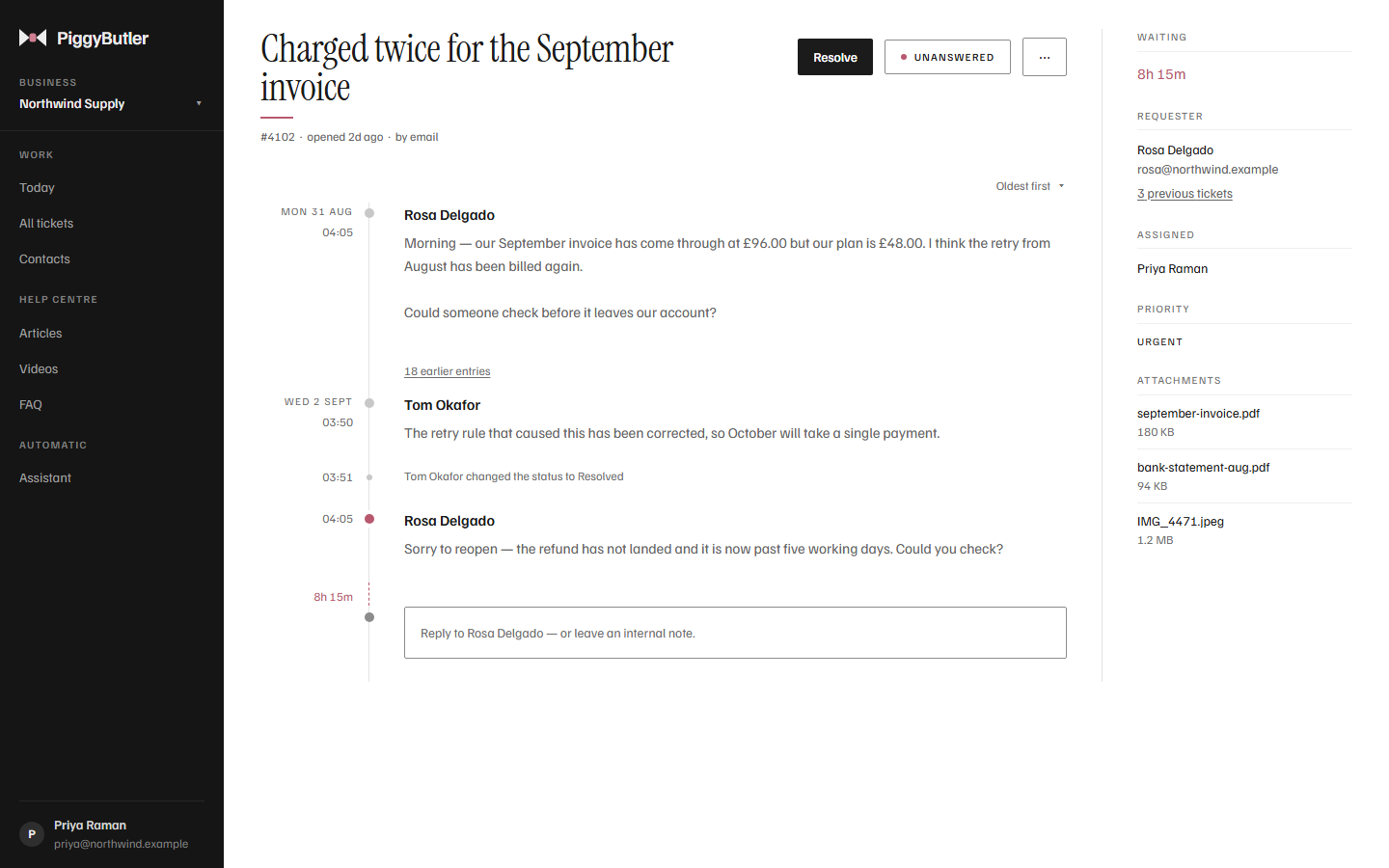
Ask for a draft and PiggyButler writes a reply to the customer from your own articles, showing which ones it used. It lands in your reply box for you to read, change and send. Nothing is ever sent on its own.
- 1
Open a ticket
Read what the customer is asking.
- 2
Ask for a draft
PiggyButler finds the articles that cover it.
- 3
Read the draft
It appears in your reply box, with the articles it came from beside it.
- 4
Send it — or don't
Change what you like. Only you press Send.
Replies sent without a person
Every reply a customer receives, someone on your team chose to send.
A draft is a suggestion. It can be wrong, which is exactly why it waits for you.
Grounded in your help
Your policies, not a guess at them.
A draft is written from the articles you have published, and it is told to say what they do not cover rather than invent a policy — so it follows your refund article, not a guess at one.
- Sources beside the draft, so you can check it against the real article
- Added after what you have typed, never over it
- Better articles, better drafts — the two improve together
When you already know the words
Templates, for the answers you give every week.
Not every reply needs AI. Keep your usual answers as templates, sorted into categories, and drop one in with the customer's name, your business name and the ticket number already filled in. You still read it before it goes.
What does a draft cost?
One AI use from your plan's monthly allowance — 500 on Solo, 2,000 on Team, shared with the help-centre assistant. Templates cost nothing.
What if the AI uses run out?
Drafts pause until the allowance resets, or until you add 500 more for $5. Templates, replies and everything else keep working.
A first draft, in your own words.
Publish a few articles, open a ticket, and ask for a draft.